Introducing Para v3
Today we're launching Para v3. Para v3 features a new, redesigned Developer Portal, modal, faster portal UI, and more.

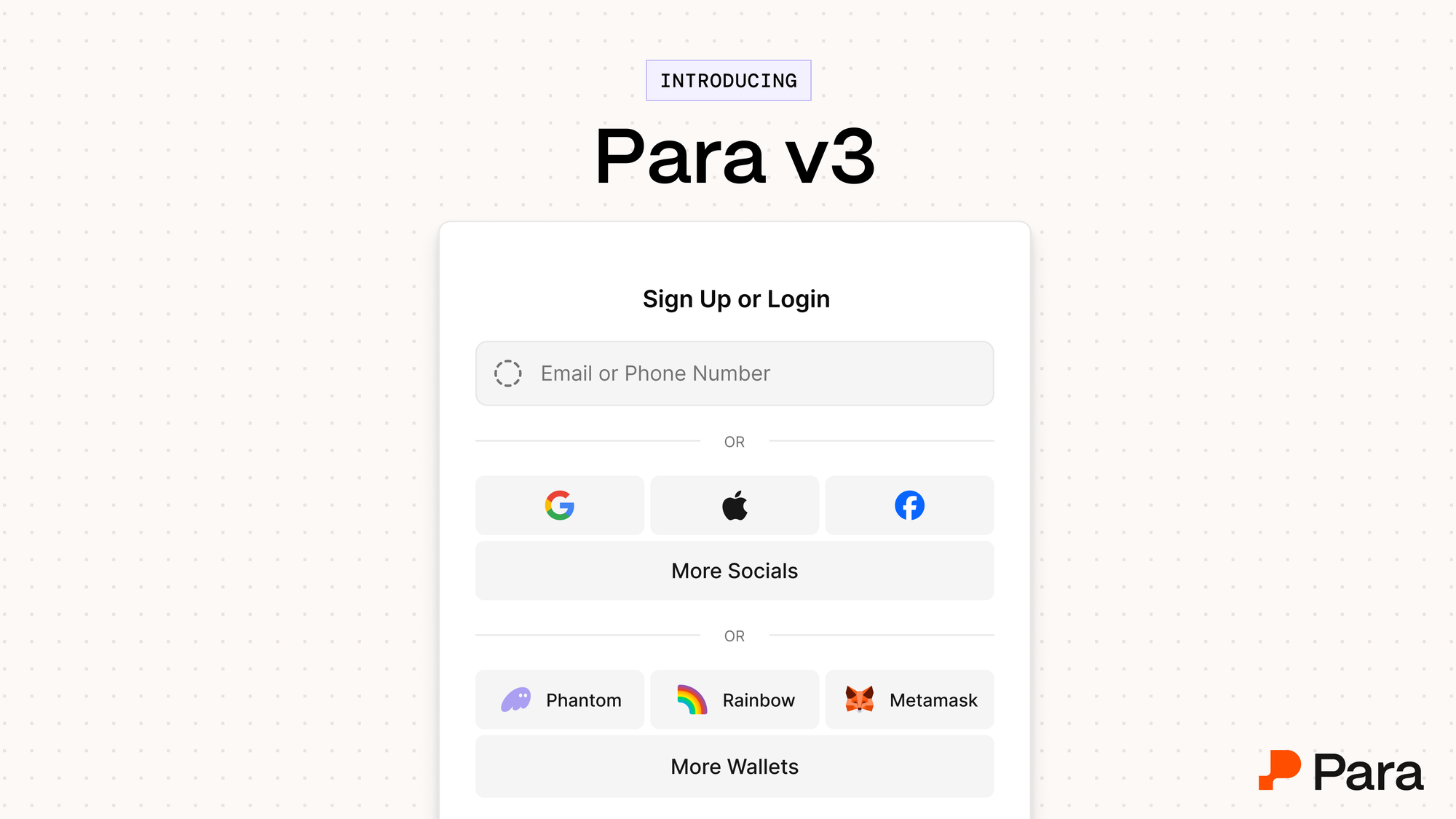
Today we're launching Para v3, the biggest update to the Para SDK and Developer Portal since general availability ✴️
V3 is built around one idea: configuring Para should not require a code release. For most of Para's history, the answers to questions like which login methods are enabled, what the modal looks like, and which wallets users can connect lived in your SDK props. Changing them required code changes. V3 moves that work into the Developer Portal so you can move faster.
This also comes with a new redesigned modal, a faster portal UI, and a Developer Portal organized around how teams actually configure Para.
Configuration that live where you need it
V3 introduces a single source of truth for your Para integration. What you set in the Developer Portal flows directly to the modal and the portal, and the SDK reads from that config. You no longer keep SDK props and dashboard settings in sync by hand.
For teams that want code-level control, nothing is taken away. Configuration follows a clear order of precedence: overrides you pass to the SDK win, your Developer Portal configurations is the default, and legacy props remain as a fallback. You can move settings into the portal at your own pace, or keep them in code. Most changes now apply on the next session load, with no redeploy.
The new, redesigned modal
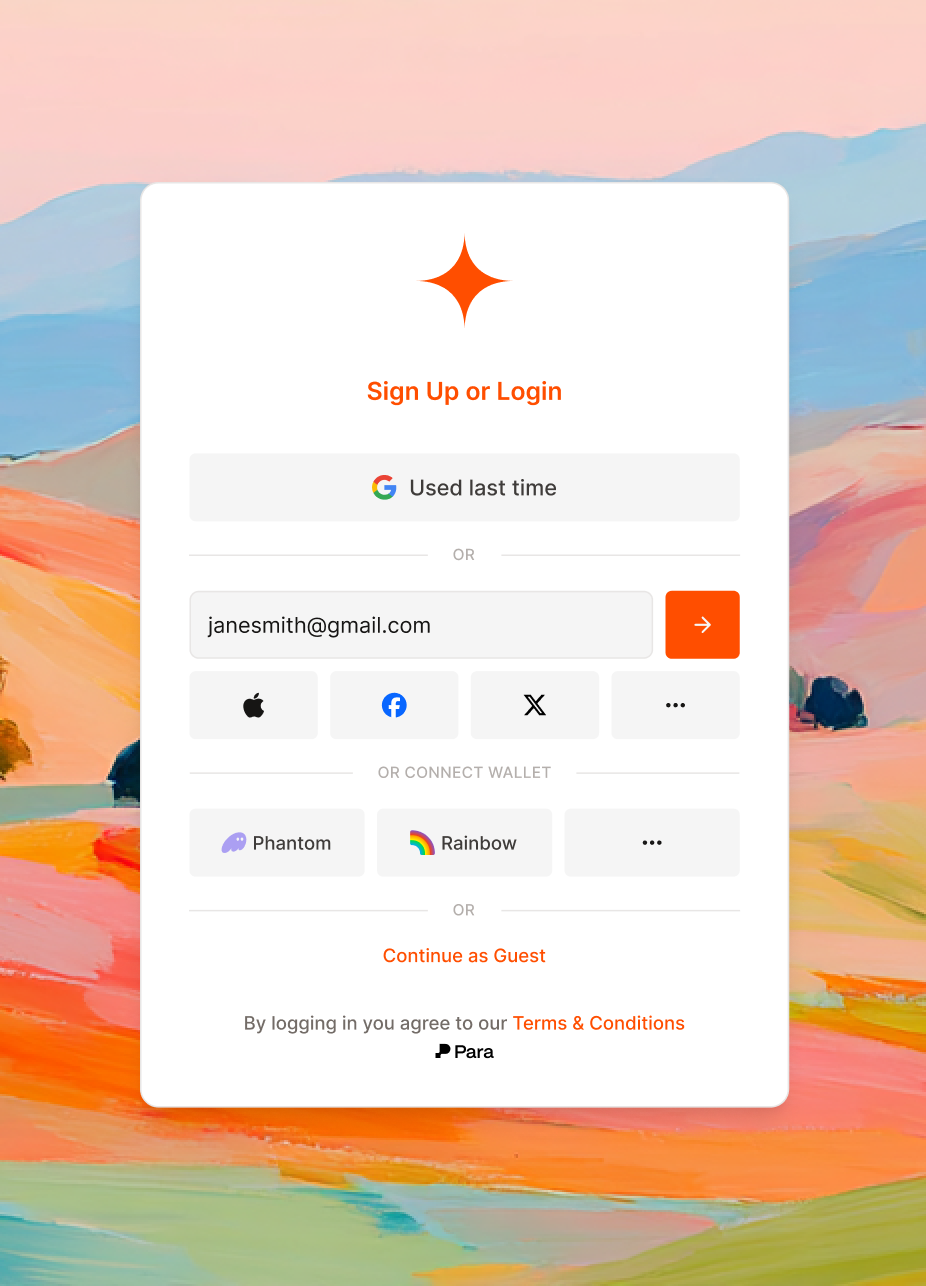
The Para modal has been rebuilt from the ground up. It's cleaner, more consistent, and easier to theme, with a new dialog and drawer system underneath.
Mobile is where the difference shows most. Instead of a desktop dialog squeezed onto a phone, v3 uses a native-feeling bottom-sheet drawer. The modal repositions properly when the keyboard opens and scrolls correctly inside forms, so the experience feels like part of the app rather than a web view.
Theming gets an upgrade too. V3 moves to an OKLCH-based theme system, so colors render more consistently across browsers and look better in dark mode. The new core controls are straightforward, and CSS overrides are there for the cases the standard controls don't reach.
External wallet flows were refreshed as well. Chain logos now appear inline, and "Installed" and "Mobile" badges show users which wallets are actually available on their device.
The faster portal UI
The portal is the Para-hosted experience that handles auth, OTP, key export, and wallet recovery. In v3 it loads faster, thanks to a preload route that boots the portal in the background before users need it. Transitions between steps are smoother, and mobile behavior is noticeably better.
V3 also adds WhatsApp as an OTP channel alongside SMS, with a fallback if one channel isn't getting through. You choose which channels are enabled from the Developer Portal.
The new developer portal is built around how teams work
The Developer Portal has been redesigned around the things partners actually configure their settings. Authentication settings let you enable login methods, reorder them, turn on guest mode, and set up 2FA all from within your account. Account linking controls which account types users can connect. Branding brings logos, theme colors, and brand links into one place.
Your existing authentication methods, branding, and partner settings migrate automatically.
Get started
V3 is designed so your V2 integration keeps working. Older SDK versions continue to use the legacy routes, and deprecated props still work as fallbacks, so you can upgrade on your own timeline.
Get started with Para v3: https://developer.getpara.com/
Upgrade to Para v3: https://docs.getpara.com/v3/introduction/migration-to-v3