Introducing the Para CLI
Manage your Para embedded wallet integration from the terminal. 18 commands for auth, configs, and chain integrations without any API key pasting required.
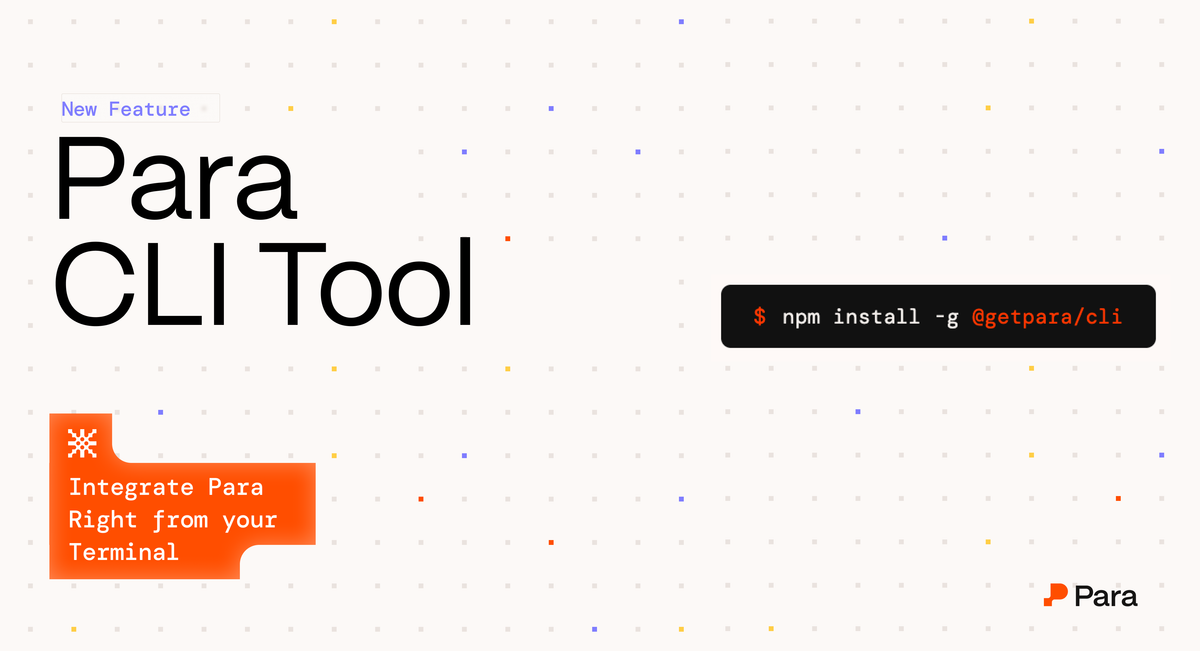
18 commands. Zero API key pasting. Full control over your auth integration, right from your terminal.
Your Para integration. Fully manageable from the CLI. Auth, configs, chains, debug — without leaving your terminal. npm install -g @getpara/cli
No More API Keys
Stablecoin agentic commerce is dominating everyone's feeds right now, and for good reason. But all that excitement sits on top of developers doing the actual work. And the tools developers currently use weren't built for agentic workflows.
Opening UI, completing OAuth flows manually, toggling configs in dashboards, copy-pasting logs just to debug is a lot of overhead. We've thought deeply about how agents will use developer tools and the thinking led us here: a CLI that removes all of that friction entirely.
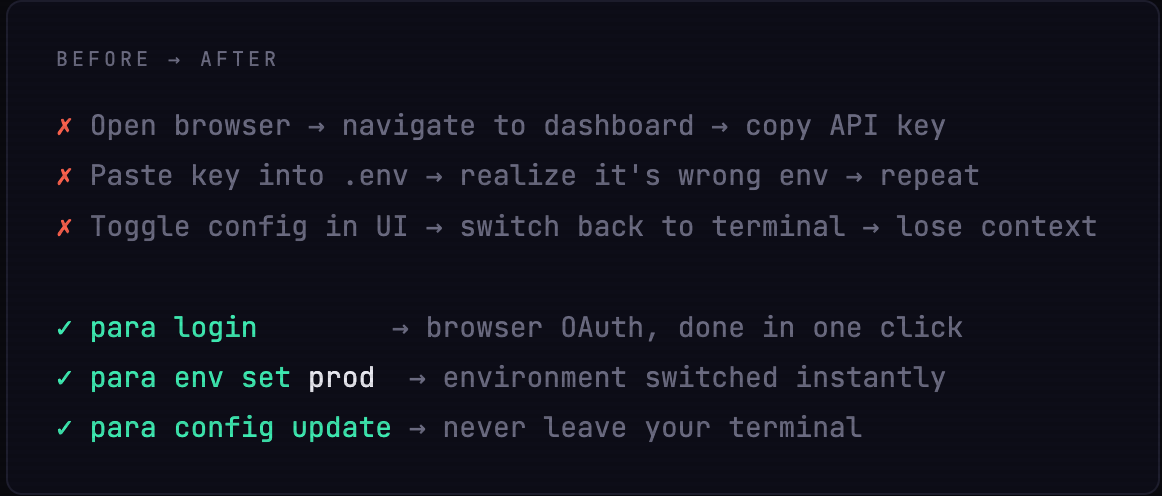
The Para CLI is now public for all Para developers. It covers the full surface area of your workflow like authentication, managing projects, environment switching, security configs, and chain integrations – with a browser OAuth flow so you never have to copy-paste API keys again.
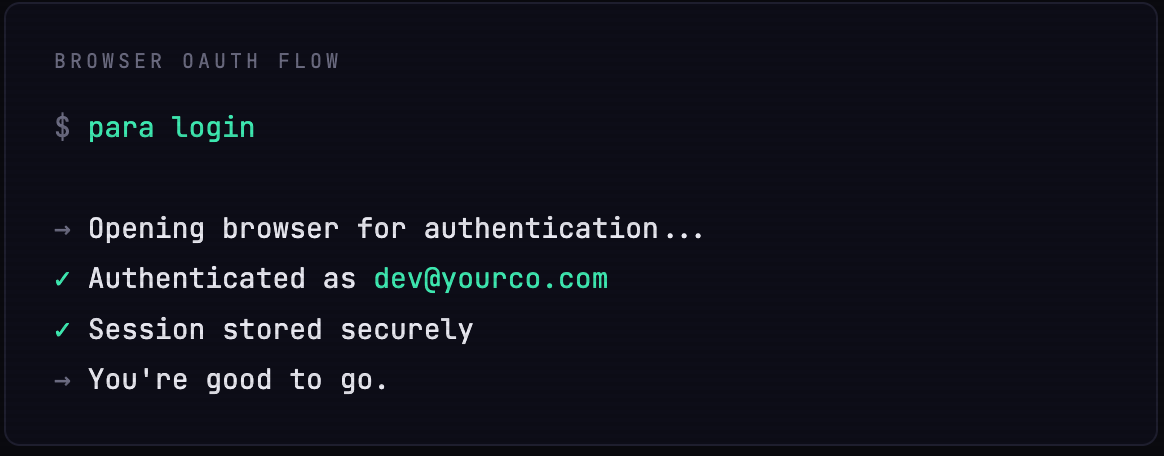
Run para login, your browser opens, you click once, and you're authenticated.
Debug without Leaving your Code Editor
The para doctor command enables you to debug your integration and application quickly. Instead of context-switching to a dashboard, you get actionable output right in your terminal and errors come with suggested fixes.
Additionally, because it's a CLI, every command composes. You can drop it in your CI pipeline, deploy scripts, and Makefiles. Automate your Para setup the way you automate everything else